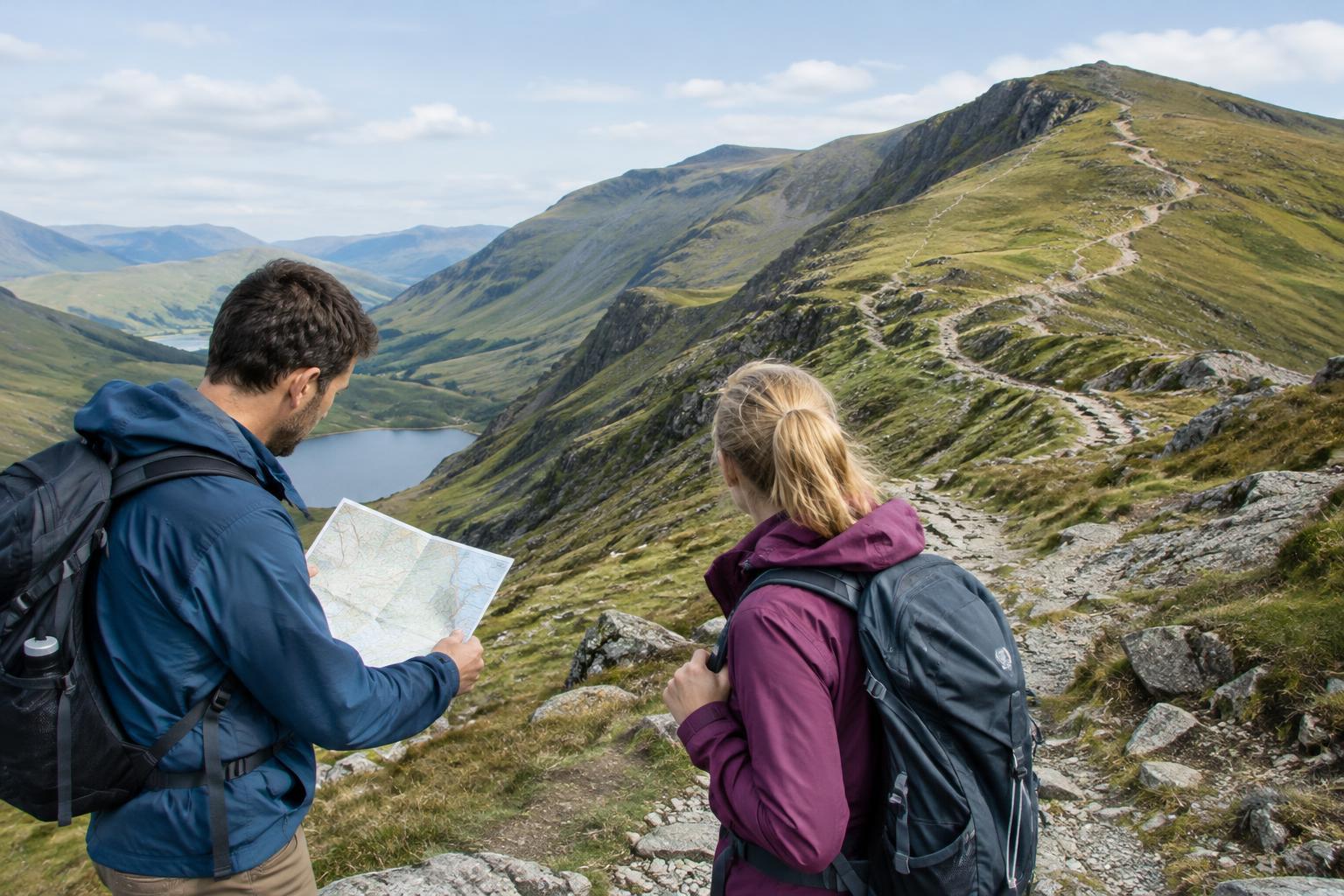
Prepare the map before you leave
An offline map is a map saved to your device so you can view it without a mobile connection. Download the area around your planned walk while you still have a reliable connection, including the approach to the trailhead and a generous margin beyond the route. Open the map with your phone in airplane mode to confirm that the detail you need is actually available. A saved route line is helpful, but it may not include every path junction or contour.
Before setting out, trace the walk from start to finish. Note the main turns, likely junctions, streams, ridges and roads. Identify a sensible turnaround point and any shorter way back. If you are walking with someone, share the plan and make sure you both know where the route begins and ends. This brief review gives the map meaning before you need it in poor weather or at an unfamiliar crossing.
Carry a backup you can read without power
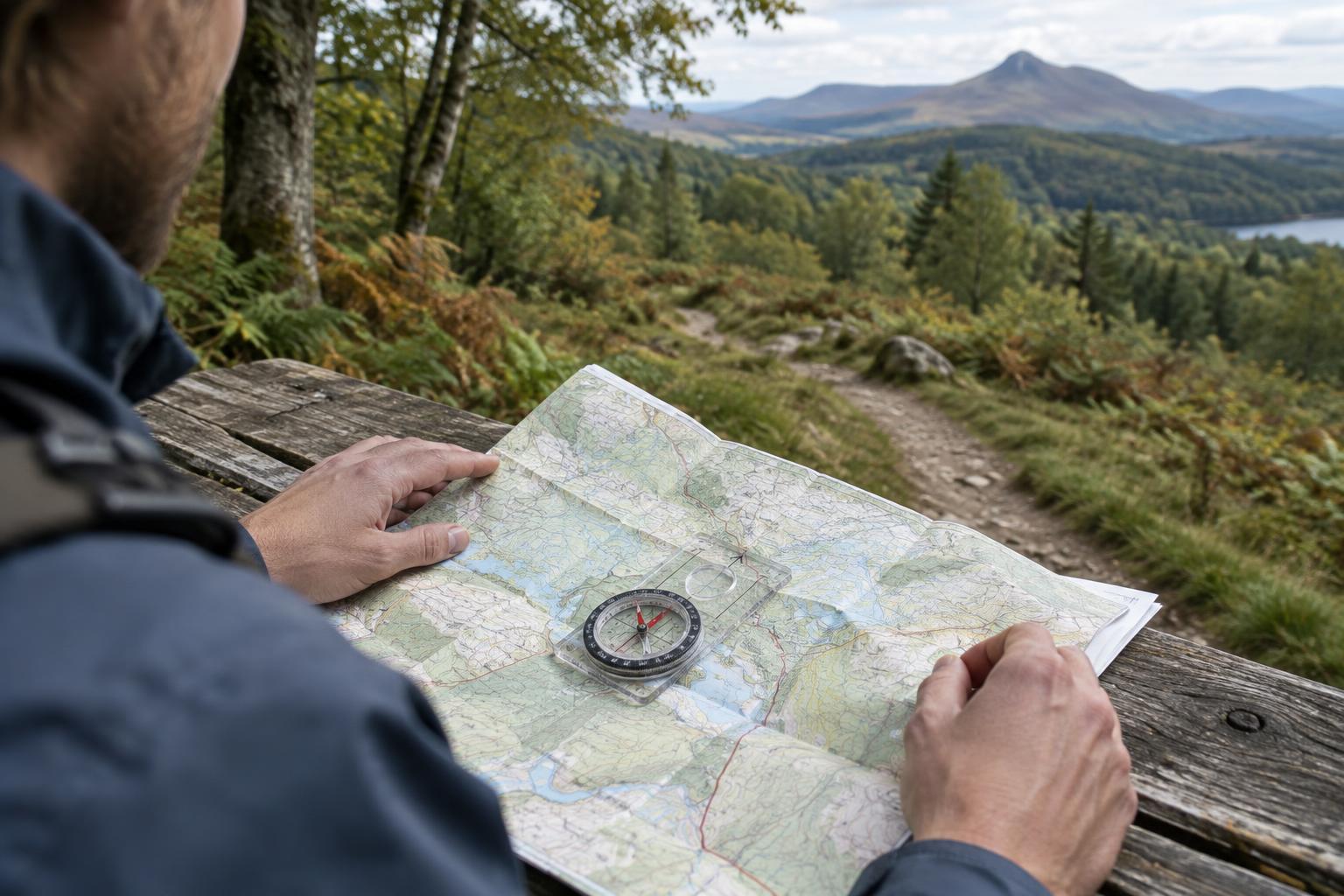
For a day walk, a printed map or a written route card can be a useful companion to the phone. Mark the start, intended path, major junctions and return route. Keep it in a clear, water-resistant sleeve or bag where you can reach it easily. A simple compass is worth carrying if you know how to use one; it can help you orient a map even when your phone is unavailable.
Your backup does not have to reproduce every detail on the screen. Its job is to preserve the bigger picture: which direction you are traveling, where the main paths lead and what lies around the route. Check that the printed area extends beyond your intended walk. A map cropped tightly around a route line becomes less useful if you take a wrong turn.
Offline does not mean indestructible. Phones can run out of charge, get wet or be difficult to use with cold fingers. Charge yours before leaving, protect it from weather and consider a power bank for longer outings. These steps reduce the chance of a problem, while the paper backup gives you another way to navigate if one still occurs.
Match the map to what you can see
Use the map actively rather than waiting until you feel lost. At a clear landmark, such as a bridge or trail junction, locate it on the map and check the direction of the next section. Then look up and compare the map with the ground. Does the path climb as expected? Is the stream on the correct side? Do the available turns match what the map shows?
If the map displays your phone’s position, treat the dot as an estimate, not an instruction to follow blindly. Position readings may be less helpful in enclosed terrain or near closely spaced paths. The route line may also differ from the path underfoot. When the dot and the surroundings disagree, pause and use several clues together: the last place you were certain of, the shape of the terrain, path signs and the direction you have traveled.
Checking at known points also makes your phone more useful. You can wake the screen for a deliberate map check, then put it away while you walk. This saves battery and leaves more attention for the trail.
Make junctions deliberate decision points
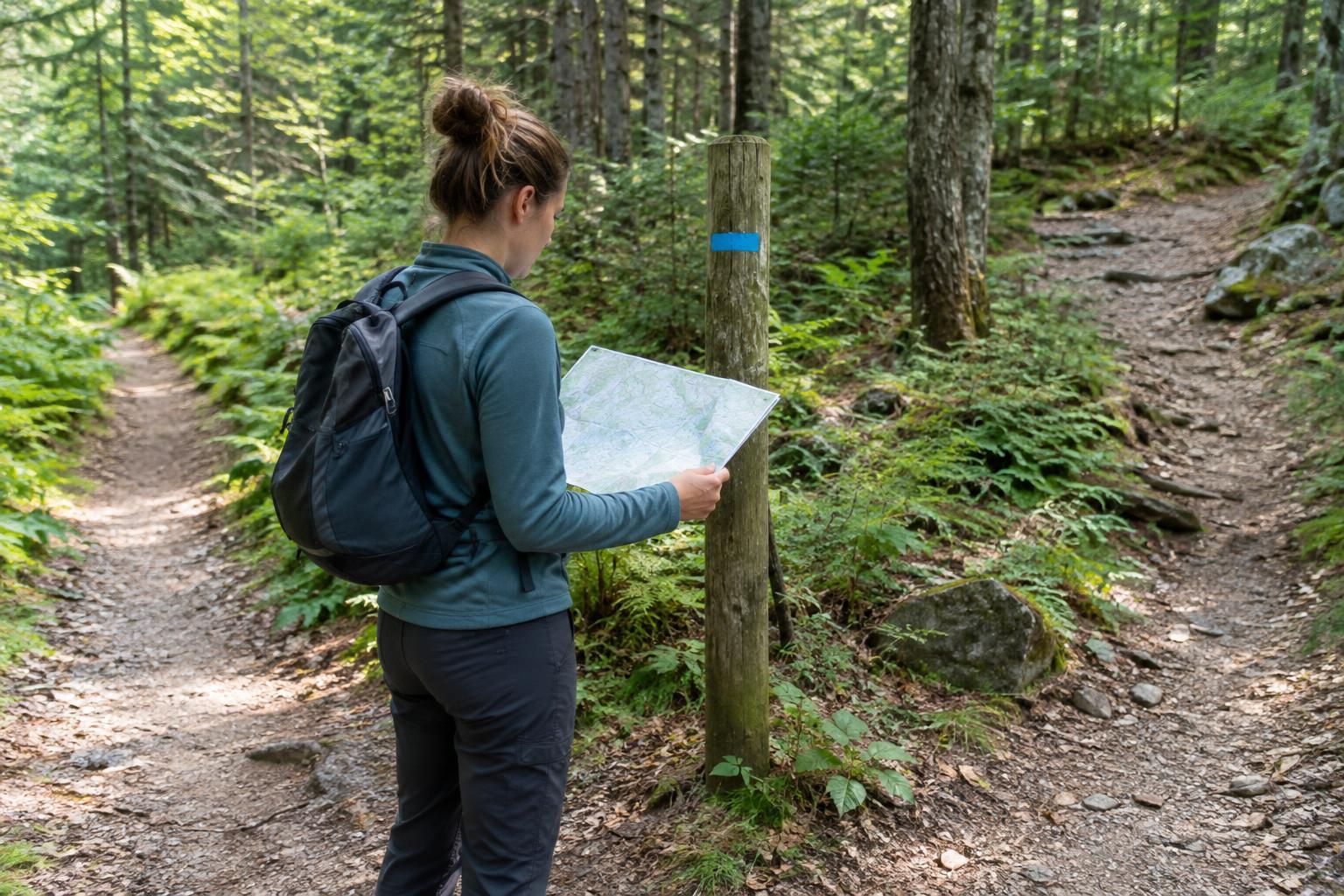
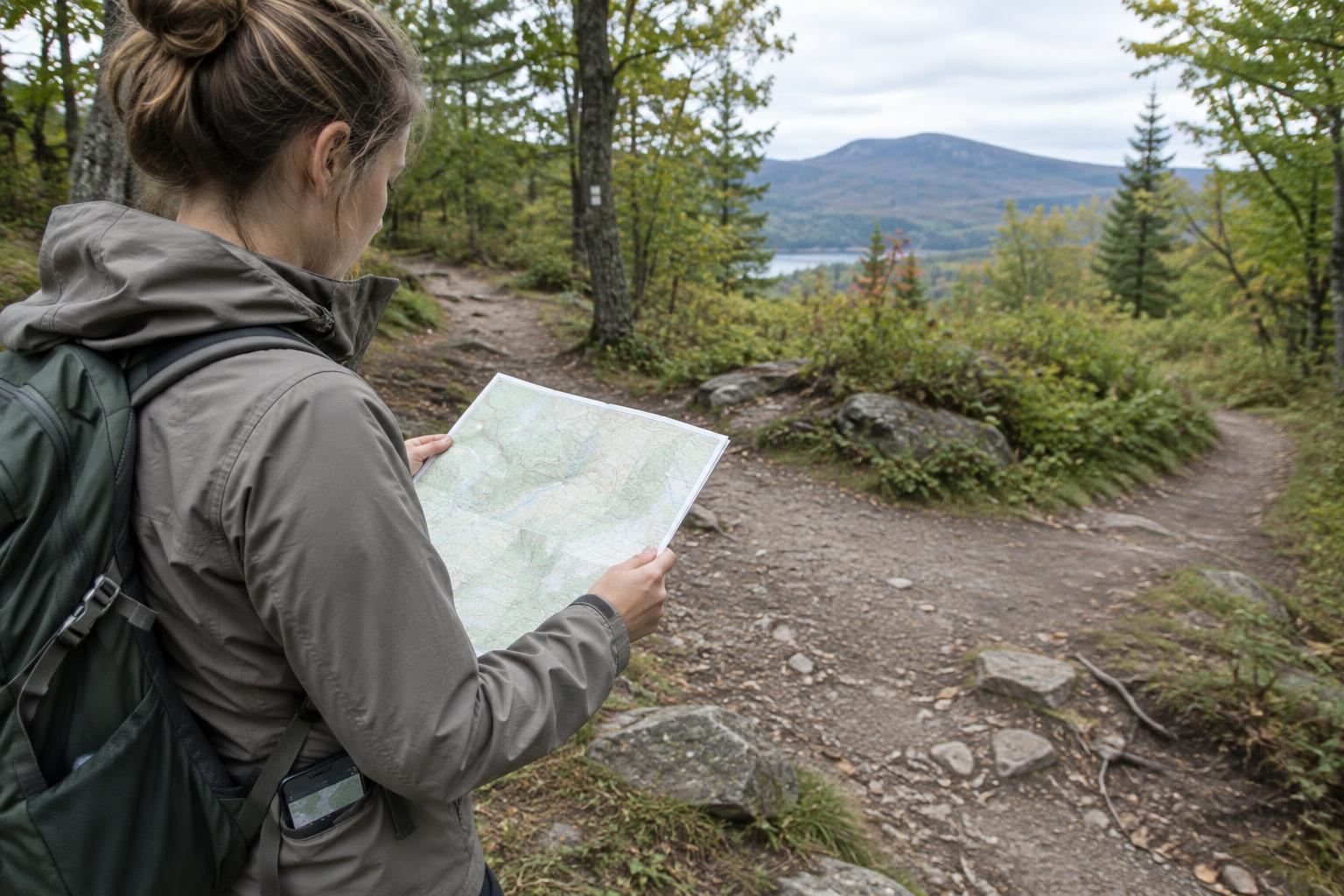
At a junction, stop where you are not blocking the path and identify every visible option. Check the map before choosing a turn, especially when several tracks appear to head in roughly the same direction. Read signs, but compare them with your planned route; a sign may point toward a destination by a different path. Once you have chosen, notice a feature you expect to reach next, such as a bend, crossing or climb.
If you pass that feature sooner than expected, or fail to find it, stop and reassess. Avoid walking farther just because the path looks well used. Returning to the last junction you can confidently identify is often simpler than trying to connect to your route by guesswork. Do not leave established paths to cut across unfamiliar ground merely because a map line appears close.
Keep a simple plan for uncertainty
Set a turnaround time before the walk and allow enough daylight for the return. If visibility worsens, you are tired or the route no longer makes sense, choose the straightforward option rather than pressing on to complete the original plan. Pause somewhere safe, check your map and notes, and work back from the last confirmed location. Let the terrain and identifiable landmarks support your decision.
Offline maps work best as part of a small navigation routine: prepare the area in advance, carry a non-digital backup, check your position at clear landmarks and stop when the evidence no longer fits. The aim is not to avoid your phone. It is to make sure that a flat battery or a confusing screen does not leave you without a way to think through where you are.