Make a plan before you leave
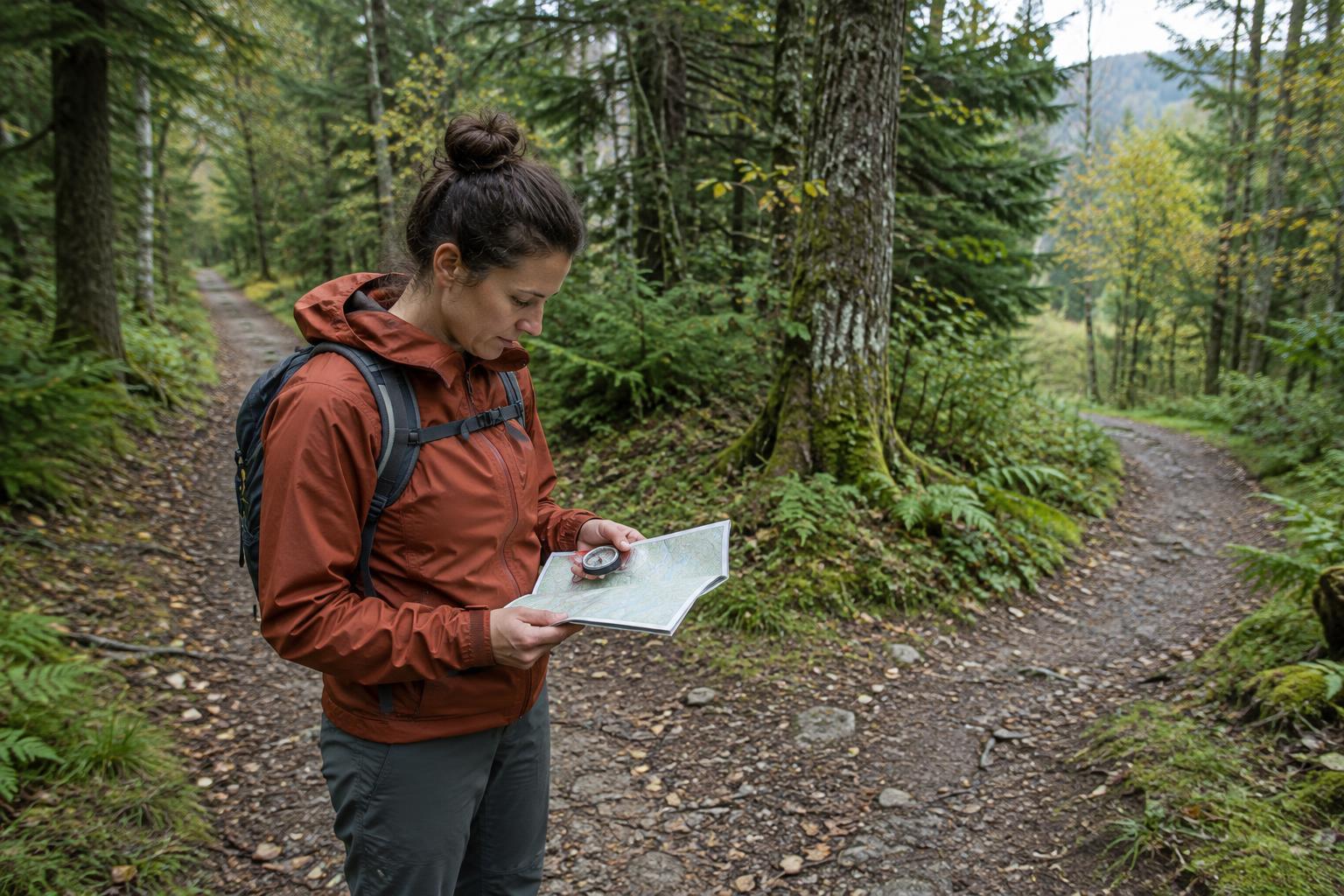
Location sharing works best when someone already knows where you intended to go. Before a day trip, tell a trusted person your route, starting point, expected return time and what you will do if plans change. Include the trail name and any planned alternatives. Agree on when they should try to contact you and what they should do if they cannot. A vague message such as “I’m going for a walk” gives them little to work with.
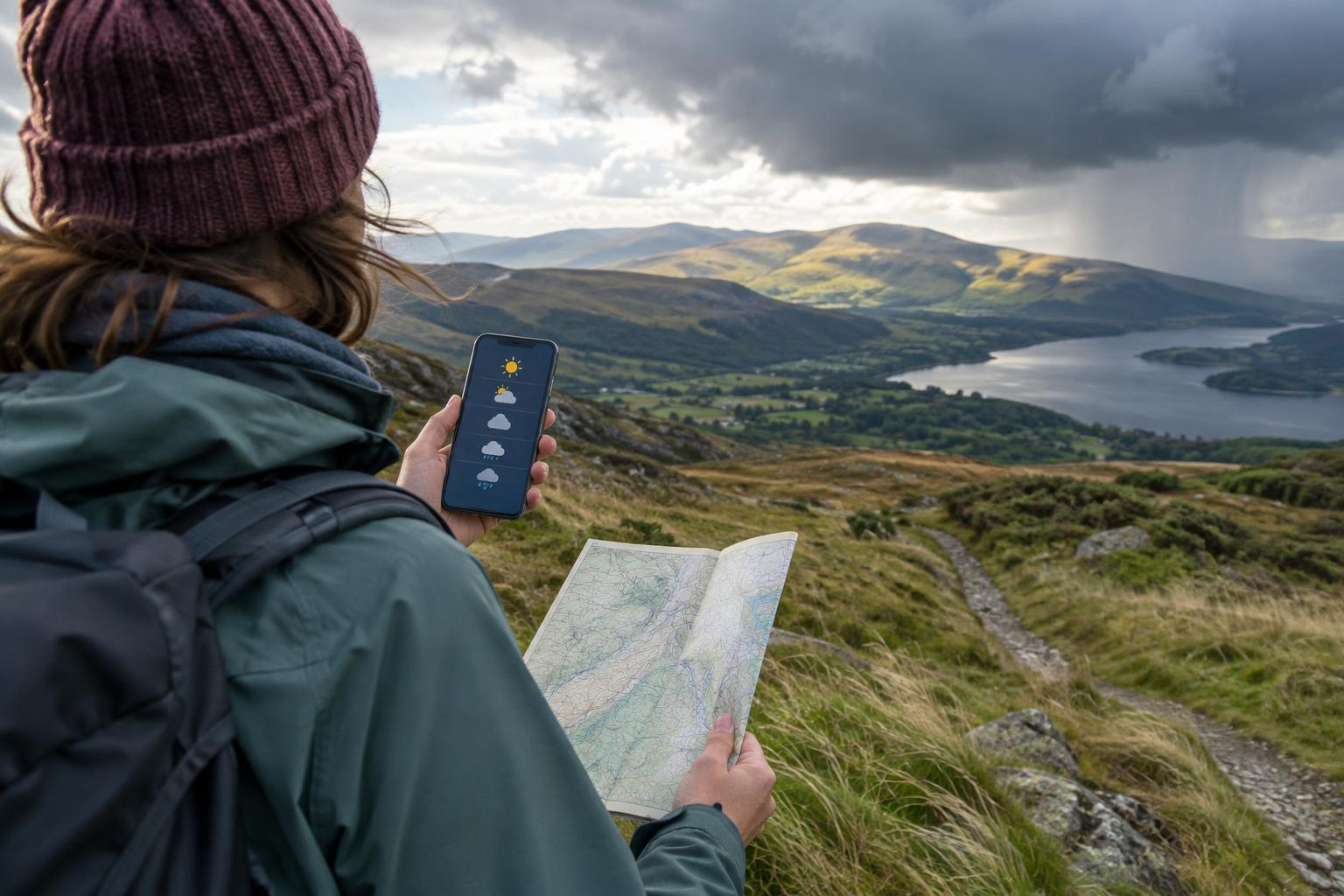
Charge your phone and consider carrying a power bank and cable. Download a map of the area for offline use, but keep in mind that a downloaded map does not create a mobile signal. Check how your phone displays coordinates or shares a pinned location before you need either feature; the steps vary by device and app. It is also worth finding out the local emergency number for your destination, especially when traveling.
Know what location you can give
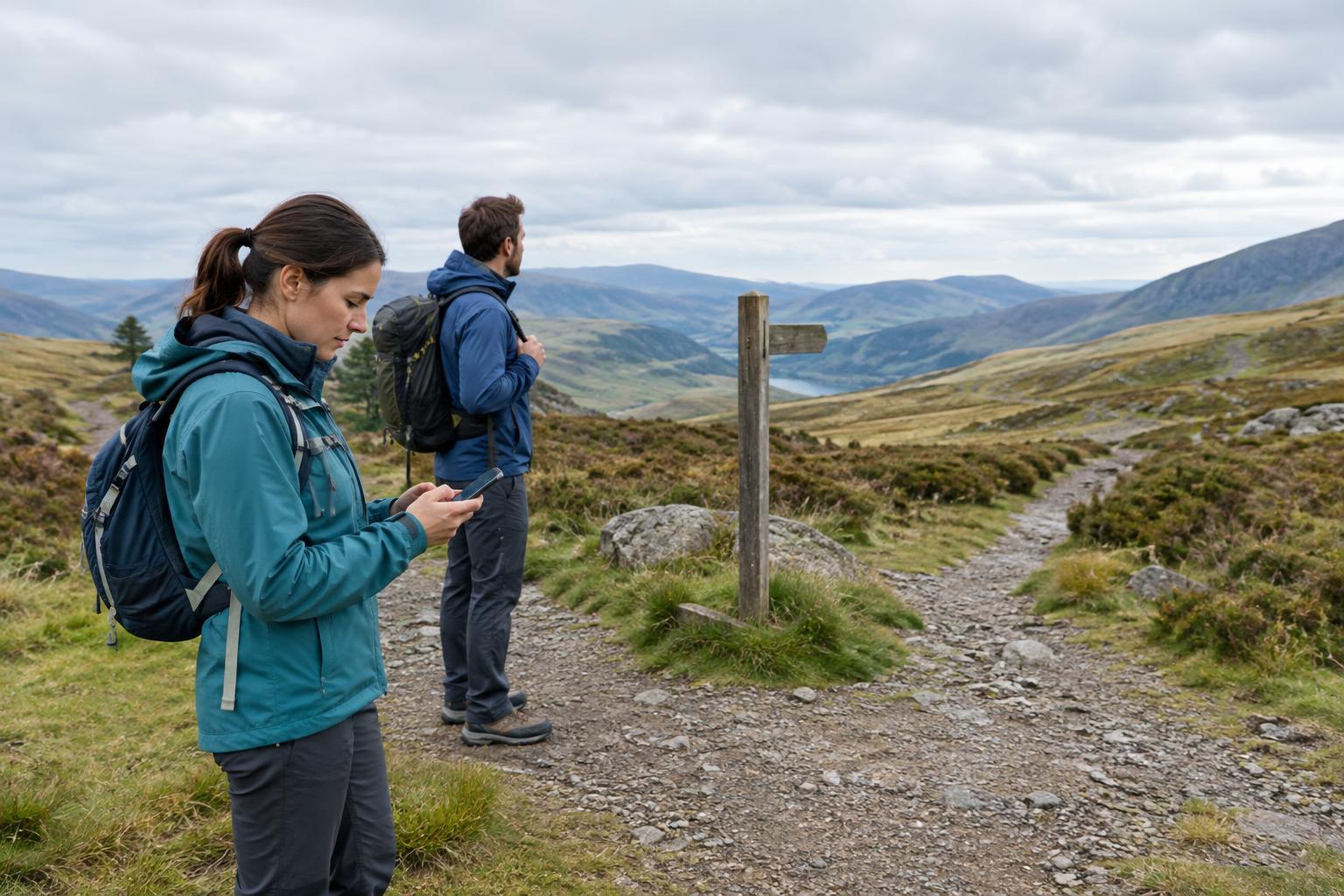
If you need help, first look for a clear location marker: a signed trail junction, bridge, shelter, car park or named viewpoint. Note any marker number and which direction you traveled from it. These details can be useful alongside a map pin because a phone’s estimated position may be imprecise, particularly under dense trees or near steep terrain.
Open a mapping app and look for your current-location indicator. Many apps let you tap or press a point to display coordinates, then copy or share them. If you read coordinates aloud, say the numbers slowly and confirm their order with the person receiving them. You can also send a screenshot showing the pin, nearby trail names and the map scale. Before sending any pin, check that it marks your actual position rather than a search result or your planned destination.
If you can move safely, a nearby open area may give your phone a clearer view of the sky. Do not leave a safe position, an injured companion or a known trail marker just to improve a map reading.
Contact help and give a clear account
If someone is seriously injured, in immediate danger or unable to get to safety, contact local emergency services as soon as you can. Otherwise, contact the appropriate local assistance service or a trusted person who can help you work out a safe next step. Tell them where you are, what happened, how many people are with you and whether anyone needs urgent assistance. Give your intended route and last known landmark as well as your current coordinates or pin.
Explain practical details that could affect finding you: which side of a river or road you are on, whether you are on or off the trail, and what clothing or shelter would be visible from a distance. Say whether you can walk, whether your phone battery is low and whether you expect to stay in place. Listen to instructions and repeat back important details. If a call drops, try again when safe; a short text containing your location and situation may get through when a voice call does not, but it is not guaranteed.
When coverage is limited
No signal in a messaging app does not necessarily tell you what every communication option can do. Your phone may offer an emergency-calling or satellite feature, but availability depends on the device, location and service. Learn its requirements before traveling rather than relying on an unfamiliar feature in a stressful moment. If you use a separate satellite communicator, make sure it is charged and that you know how to send an emergency message with it.
If you cannot connect, conserve power by dimming the screen and closing apps you do not need. Avoid repeatedly searching for service while walking into unfamiliar or hazardous ground. Where it is safe to do so, stay near a recognizable location and try again periodically. If you must move to reach shelter or signal, note where you started, follow a deliberate route and update anyone you manage to contact.
Share enough information, then protect your battery
A location pin is most useful with context. A concise message might include your coordinates, a nearby landmark, your condition, the number of people in your group and whether you are staying put. Send an update if your position or situation changes, rather than assuming an earlier live-location link will keep working. Some sharing features require data service, battery power or permission settings that may not remain available throughout a trip.
For routine walks, share your route with a trusted contact rather than posting your live position publicly. Once help is arranged, keep your phone accessible, warm and as charged as possible so you can answer questions or provide an updated position. The goal is simple: give rescuers or your contact a dependable starting point, communicate any changes, and avoid taking extra risks while trying to be found.